
A tool built around how you actually work
When a spreadsheet, a notebook and a messaging app are no longer enough, we build the application that does the job: accounts, a clear interface, an admin area, and a database that is yours.
A written quote before we start. Nothing is free, nothing is hidden: you know what you pay and when.
- For whom
- Businesses, schools, training centres, rental and booking activities
- Price
- Quoted individually, in writing
- Timing
- Depends on project size; written in the quote
- Payment
- Bank card or bank transfer
Start from the work, not from the screens
An application only helps if it matches what people do every day: who does what, what must be recorded, who may see what. We begin with that, on paper, before any design.
We then build the smallest version that is useful, put it in your hands, and grow it from what you learn using it.
Everything in the quote, nothing more, nothing less
Each point below is part of a standard web apps and platforms project. The quote lists them one by one.
- A functional briefWho uses the tool, what they do, what is recorded. Written in plain words and approved by you.
- User accounts and rolesSign-in, and different rights for an administrator, a staff member or a customer.
- Admin areaWhere you manage users, content and records without calling a developer.
- A secure databaseYour data is stored in a database that belongs to you, with access rules.
- Installable on a phoneA web app that can be added to the home screen like an app, without an app store.
- Tests with real useYou try the tool with real cases before it goes live, and we adjust.
What this service does not cover
We say it now rather than in the invoice. If you need one of these, we can quote it as a separate line.
- Store-listed mobile appsWe build web apps you install from the browser, not native iOS or Android apps.
- Large data importsMoving years of records from another system is quoted separately.
- Complex third-party linksPossible after a technical check, in the quote.
- Training and user supportWe show you how it works at handover; ongoing support is part of maintenance.
The deliverables, one by one
- Functional briefRoles, screens, rules and data, in a document you can read.
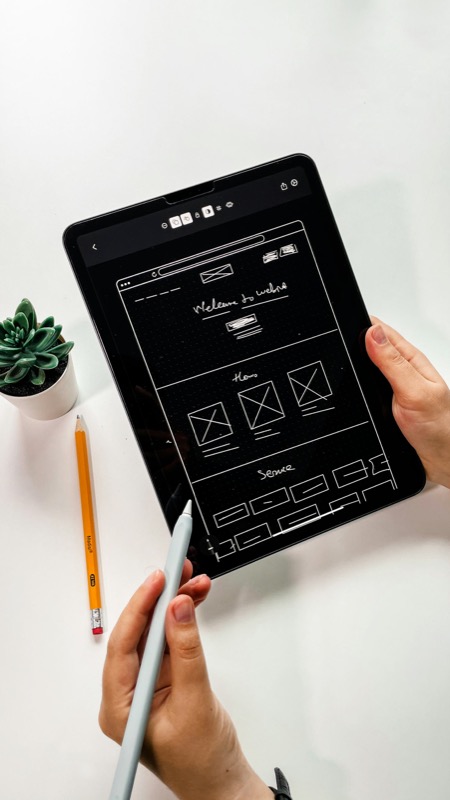
- Screen mockupsThe main screens drawn and approved before development.
- A first usable versionOn a test address, so your team can try it with real cases.
- The application onlineSecure connection, your domain, accounts created for your team.
- Admin guideHow to add users, change content and read your data.
- Access and source filesSo the application can be maintained by us or by someone else.
Five steps, each approved before the next
The general method is the same for every service. See the full method.
Discovery
We observe how the work is done today and write down who does what.
Design
Roles, screens and data structure, drawn and approved before development.
Build
We build the smallest useful version first, then add what is agreed.
Testing
Trials with real cases, on phone and computer, then corrections.
Launch
Accounts created, application online, a walk-through for your team.
What it can look like
Typical situations, not client cases: we do not have client cases to show yet, and we will not invent any.
- Booking and rentalOur own project CHM Automotive is a car rental site with a booking path. It shows how we handle availability and requests.
- TrainingOur own project Al Majd Academy is a training application with a sign-in for drivers. It shows how we structure learners and content.
- Catalogue and managementOur own project EL-RIDHOUANE combines a catalogue and a management side. These are personal projects, not client work.
What is the difference with a normal website?
A website presents information. An application lets people do things: sign in, record data, follow requests. It needs accounts, a database and rules.
Can it work on a phone?
Yes. It is designed for the phone first and can be added to the home screen like an app.
Who owns the data?
You do. The database is yours, and we list in the quote where it is stored and who has access.
Can we start small?
Yes, and we recommend it. We build the smallest useful version first, then add features once you have used it.
Can you add features later?
Yes. Each addition has its own written quote. See maintenance for ongoing work.
Tell us about your project
A few lines are enough. We reply with questions, then a written quote.